Guide
How to find all photos of yourself in a Pixieset gallery
You got the link to the wedding gallery, and it has 1,800 photos. Here's how to find the ones you're in without spending an evening scrolling.
Why it's hard
Pixieset galleries are organized the way the photographer shot the day: by sets such as ceremony, portraits and party, in time order. That works well for the couple. For a guest who appears in 30 photos spread across 1,800, it means scrolling through everything.
Option 1: Scroll and mark favorites
Most Pixieset galleries let you mark photos as favorites, usually with the heart icon, and then view only your favorites list.
- Open the gallery and go through each set.
- Tap the heart on every photo you're in.
- Open your favorites list to see them together, and download them if the photographer allows downloads.
Good for: small galleries. Downside: on a big wedding gallery this takes a long time, and it's easy to miss photos where you're in the background.
Option 2: Ask the couple or the photographer
You can ask the couple to send you "the ones with me." It works, but it's a lot of work for them, and they get the same request from dozens of guests.
Option 3: Use face recognition
Face recognition does the searching for you. PixieFaces takes a Pixieset gallery link, finds every face, and builds one album per person. As a guest you then:
- Open the album link the couple shared.
- Tap your face in the grid, or take a selfie and let it find you.
- See every photo you're in, and download the ones you want.
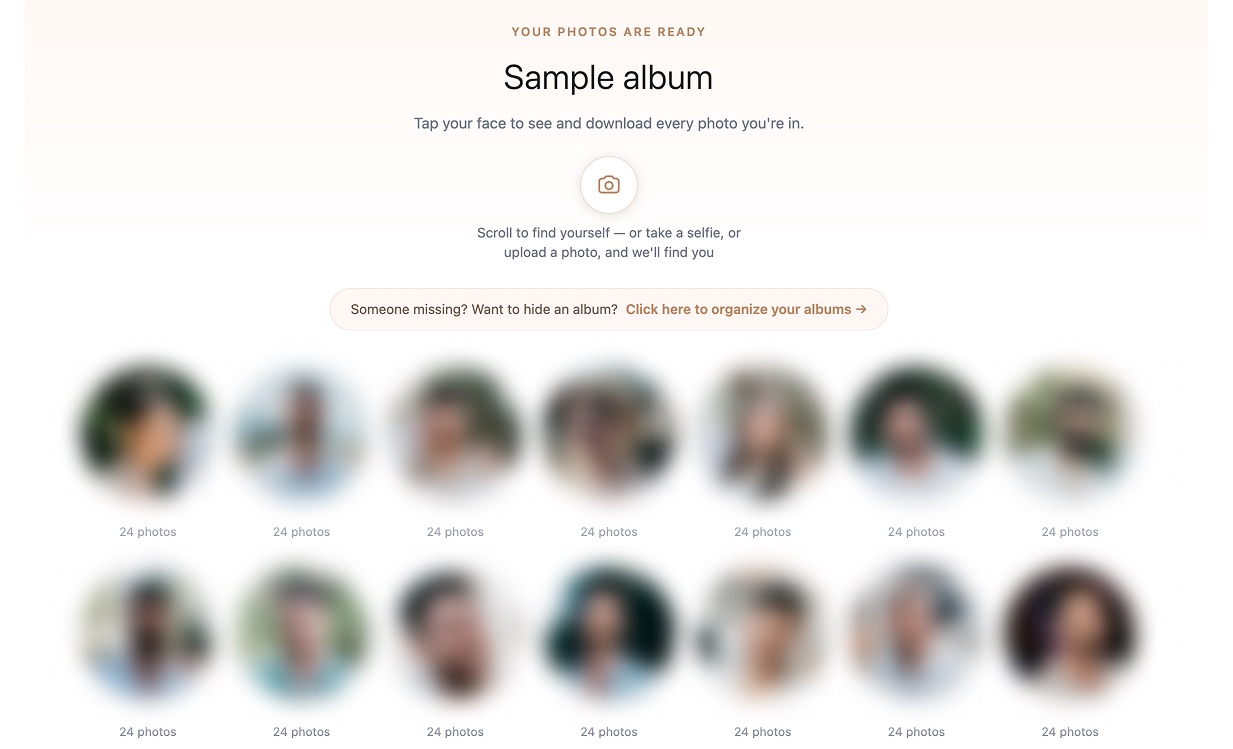
This also finds photos where you're not the subject, for example in the background of the first dance or at the edge of a group shot. Those are the photos people usually miss when scrolling.
Which option should you use?
- Under ~300 photos: scrolling and favorites work fine.
- A full wedding gallery: face recognition saves the most time, and it saves the couple time too, since they can share one link with every guest.
For couples: give your guests this shortcut
If you're the couple, you can set this up once and share the link in your guest group. Guests stop asking you for photos, and everyone gets theirs the same day. Get access for your gallery →